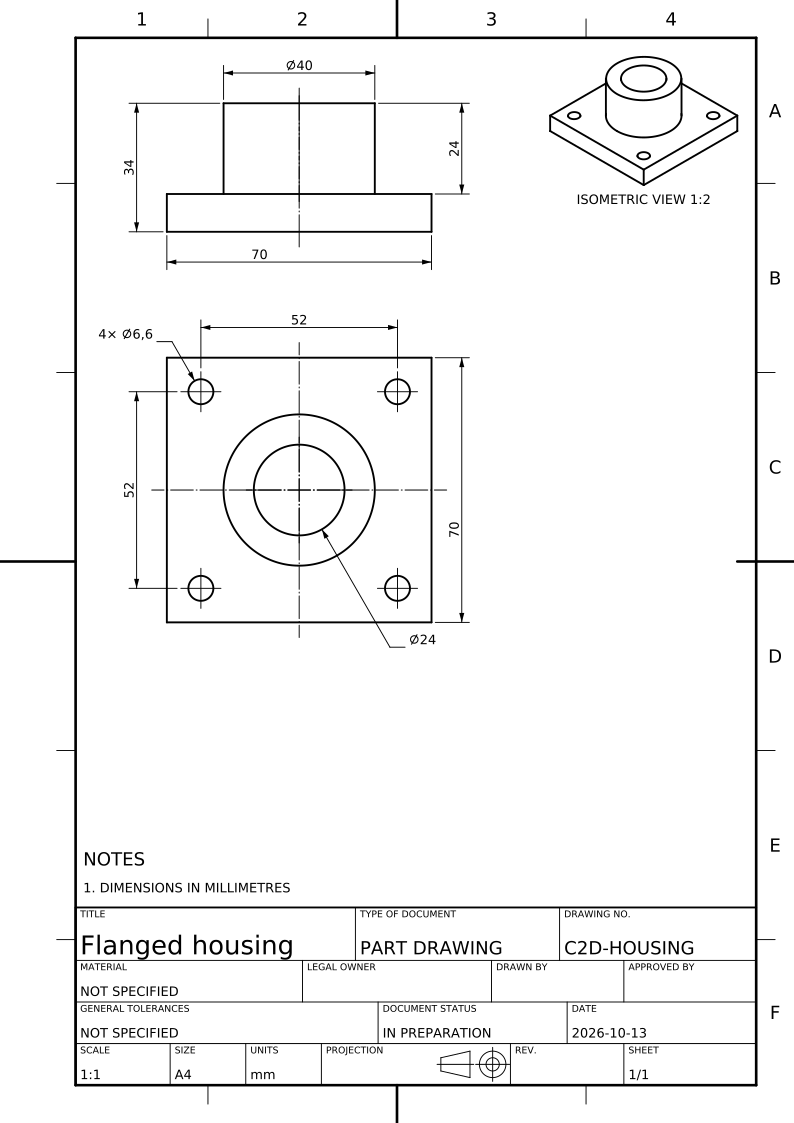
A part you make
Choose Manufacturing and tell CAD2Drawing how the part is made. The shape can suggest a route, but you decide it. A weldment stays one fabrication drawing. The model alone does not specify your material, tolerances or process requirements.
Several items you assemble
For a multi-item model, choose making all of it to get an assembly sheet and part drawings for distinct parts made. The assembly sheet carries balloons, a parts list and joining dimensions. Standard bought parts receive a designation rather than their own manufacturing sheet.
A product you buy or fit
Choose Outline drawing for a bought product: it describes the envelope and the interfaces needed to fit it, without a manufacturing route. Choose making its main part only when that is your scope; the drawing then describes that body, not the whole assembly.