PDF for printing and sharing
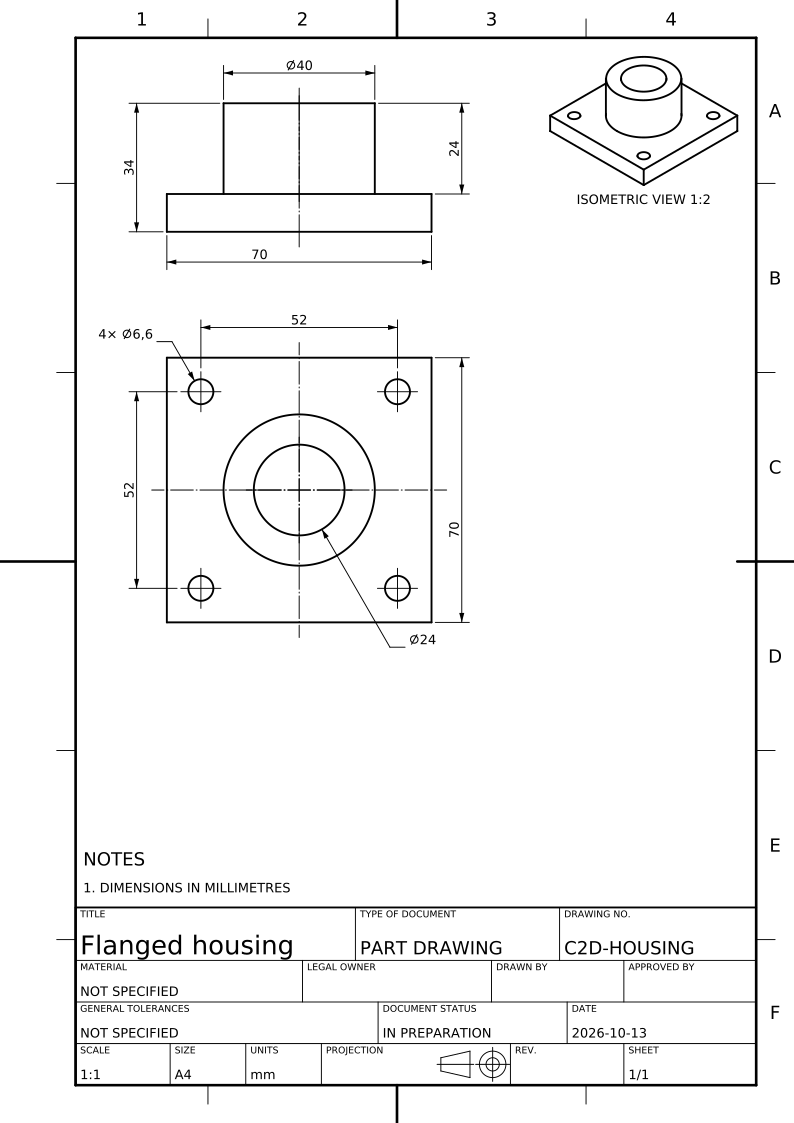
PDF preserves the sheet, title block and drawing notation in a document you can share. Print at the sheet’s actual size; fitting it to another paper size changes the printed scale. Use the stated dimensions rather than measuring a print.
DXF for editing in CAD
Open the DXF in a CAD editor such as AutoCAD, DraftSight or LibreCAD. Check the imported units and drawing scale before editing. Changes in that editor do not update the STEP model or CAD2Drawing’s saved drawing.
SVG for vector editing
SVG keeps the drawing as vector artwork for a vector editor or a browser. The generated lettering is drawn as glyph paths. Keep the sheet proportions when resizing, and check that edited dimensions still agree with the model.