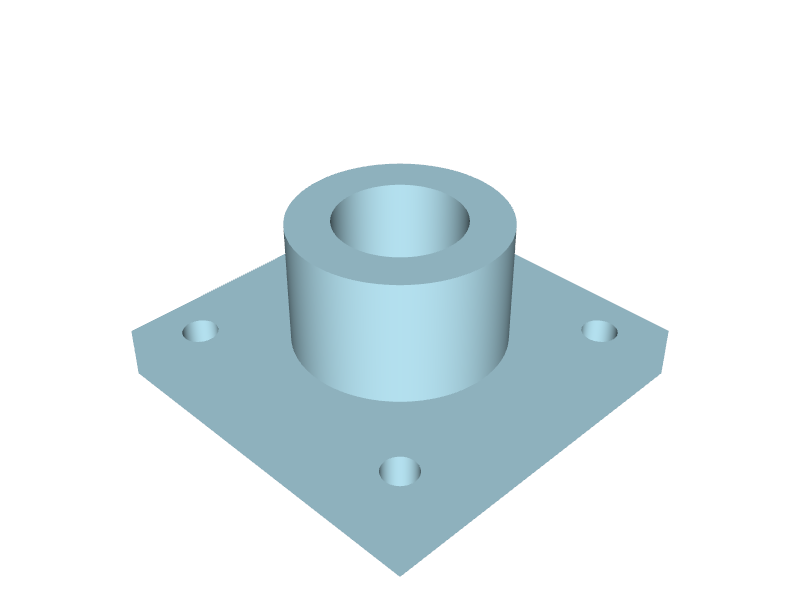
A PDF or an image in, STEP out
Upload a drawing exported from CAD or a scan of a paper drawing as a PDF, PNG, JPEG or WEBP file of up to 20 MB, with up to four pages. You get a STEP file with the exact solid, not a mesh, which opens as an editable body in SolidWorks, Inventor, Fusion, Creo, Siemens NX or FreeCAD, and an STL for printing and viewing.
Read as a draughtsman reads it
The AI modeller reads the projection method first, then every view, section and detail at full resolution, every dimension, hole callout and thread, and the general notes, in first or third angle and in millimetres or inches. Printed values are taken as written, never rounded to fit.
Each view compared with your drawing
As the part is built, each view and section of the model is set beside the same view of your drawing at one scale and compared feature by feature. A view agrees only when everything it shows is modelled; anything that differs is said.
Every printed dimension measured
Before the model is handed over, every dimension your drawing prints is measured on the finished solid and listed, drawing against model, so you can see at a glance how many of them agree.
Assumptions and points to check
Where a drawing leaves something open, such as a value cut off the sheet or a depth not given, the modeller follows drafting convention, says what it assumed and lists what you should check. The model is made by AI and is a draft: compare it with the drawing before you use it.
What it costs
A 3D model is 1,000 credits from the same balance as drawings, taken only when the model is made: a drawing that cannot be modelled costs nothing.
Questions
- Can I convert a PDF drawing into a STEP file?
- Yes. Upload the PDF of an engineering drawing to CAD2Drawing and its AI modeller builds the part as an exact 3D solid, delivered as a STEP file with an STL, after comparing each view and measuring every printed dimension against your drawing.
- How long does a 3D model from a drawing take?
- On CAD2Drawing a simple part takes a few minutes; a complex part with many features and sections can take ten minutes or more. While you wait, you watch the part being read, built and checked against your drawing.
- Can CAD2Drawing model an assembly drawing?
- CAD2Drawing models an assembly drawing as drawn, each part as its own solid, together in one STEP file. One drawing makes one model.