Read the model
Export your solid model as STEP (.step or .stp), then upload it to CAD2Drawing. Reading the model is free. Check the bodies and recognised features in the 3D viewer before requesting a drawing.
Set the drawing up
Choose Manufacturing or Outline drawing. A manufacturing drawing also needs your manufacturing route. Set the drawing standard, units and title information; supply material, tolerances, surface requirements and datums where you know them.
Check the dimensions against the solid
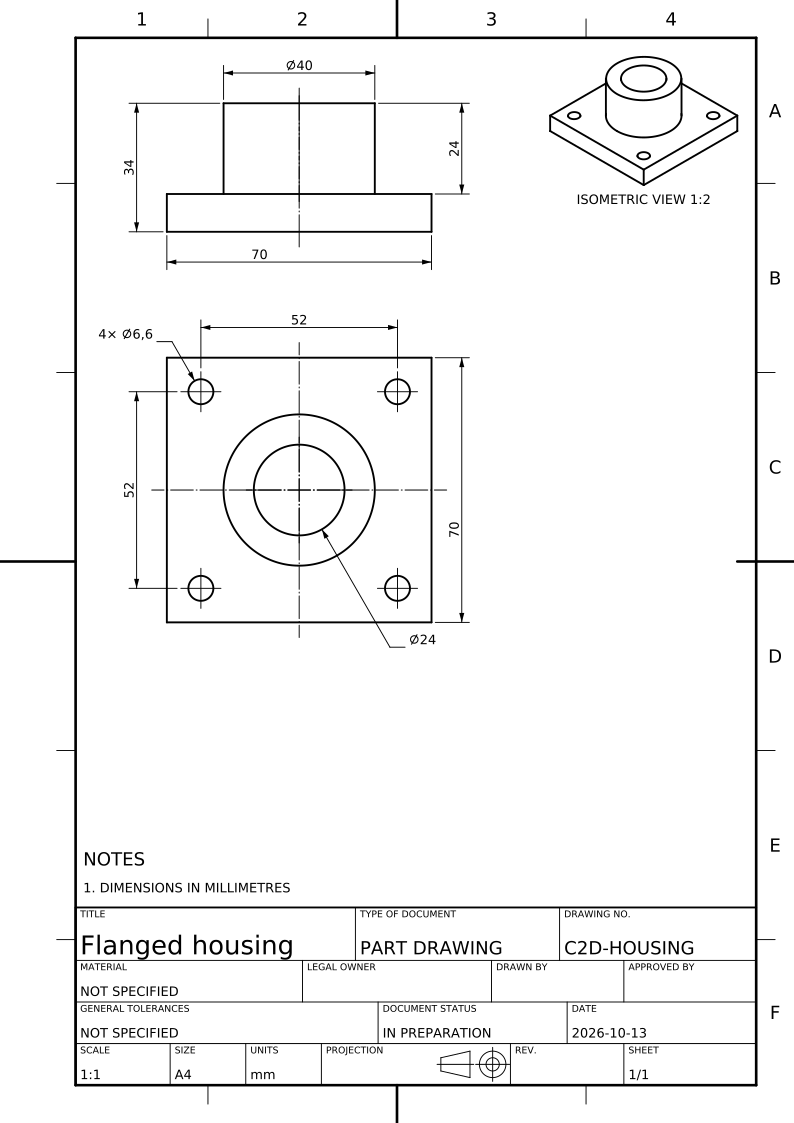
Select a dimension on the generated sheet to see the faces it measures in the 3D model. Check the views, sections and hole callouts. Read the list of dimensions the sheet could not carry, and resolve the remaining engineering decisions.
Download and approve
Download PDF to print or share, DXF to edit in CAD, or SVG to edit as vectors. A generated drawing is a draft: check it against the model and your requirements, finish it and obtain engineering approval before use.