
3D CAD ⇄ 2D technical drawing
CAD to drawing. Drawing to CAD.
CAD2Drawing turns a 3D CAD model into a dimensioned 2D technical drawing automatically, and a 2D drawing back into an exact 3D CAD model. Two tools in your browser, one account.
Your first 3D model and 5 drawings are on us; downloads open with your first purchase, from €1.99. No card needed.
The engine reads the solid: its features, holes, threads and surfaces.
Two tools
One part, both ways.
Start from the file you have. A STEP model becomes a drawing you can send to the shop floor; a drawing becomes a model you can open in any CAD system.
013D CAD to 2D technical drawing
Automatic dimensioned drawings from your STEP model.
Upload a STEP model from any CAD system and get a dimensioned 2D technical drawing automatically: views, sections, hole callouts and a title block on a standard sheet. Check it against the 3D model, then download PDF, DXF or SVG.
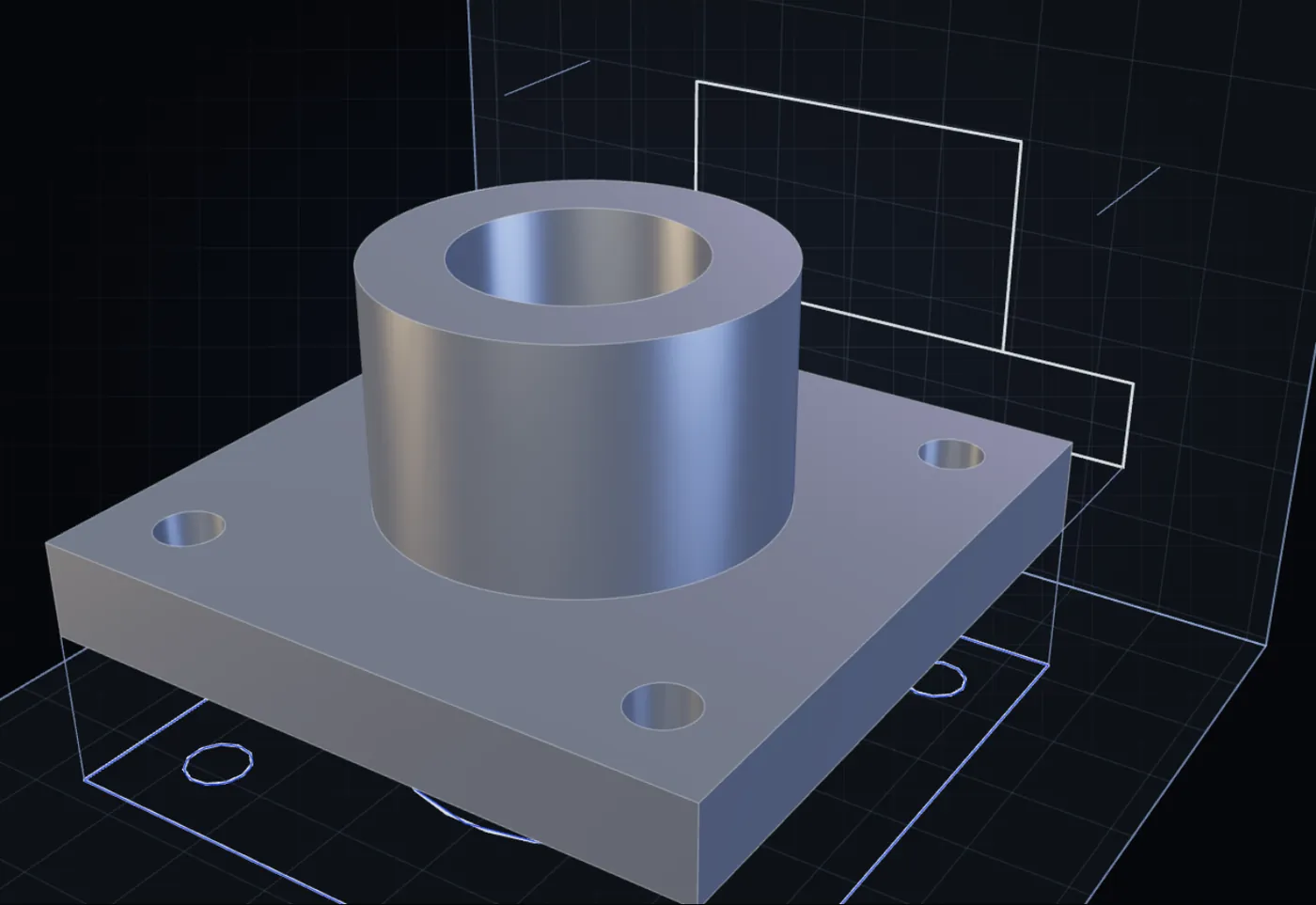
100 credits a drawing, from €0.10. A drawing that fails is not charged.
The drafting, done in a minute.
The drawing CAD2Drawing made from a flanged housing, exactly as it came out. You check it, and adjust anything you like in your own CAD tool.
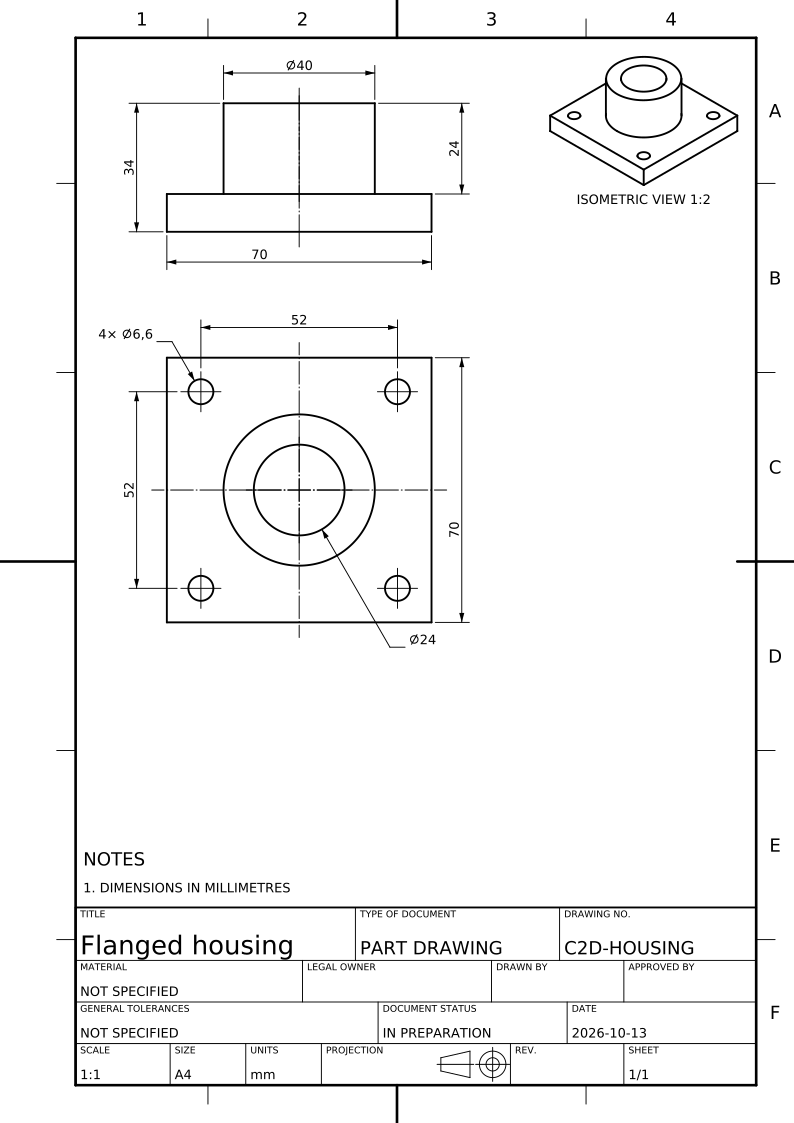
Loading drawing…
022D drawing to 3D CAD
Only have the drawing? Get the 3D CAD model.
Upload an engineering drawing as a PDF or an image. The AI modeller reads every view, section and dimension, builds the part as one exact solid, checks it view by view against your drawing and gives you STEP and STL files.
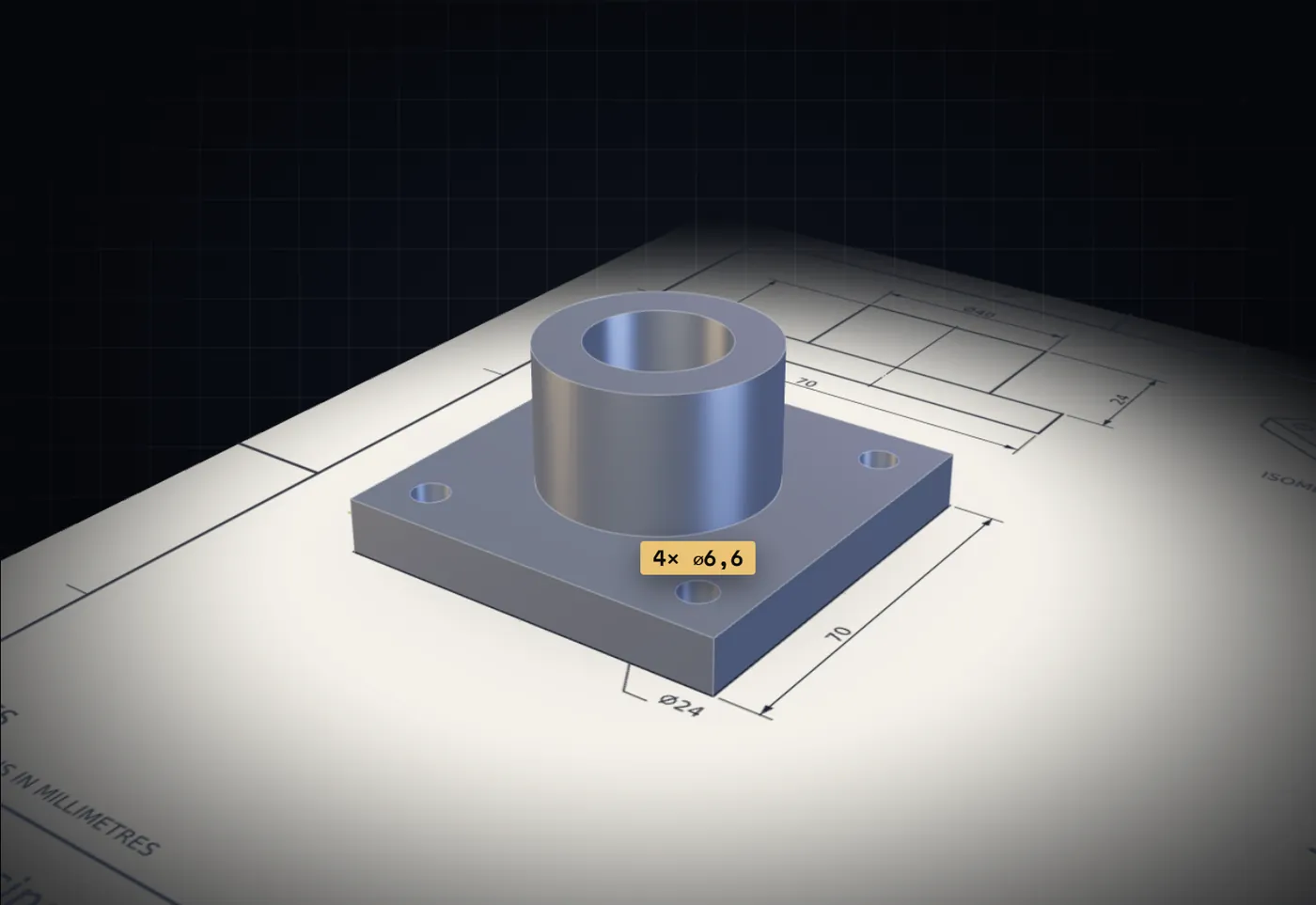
The same part, back from its own drawing.
We gave the AI modeller the flanged housing’s drawing above, as a PDF. The solid it built matches the original model exactly.
Download the drawing to try it yourself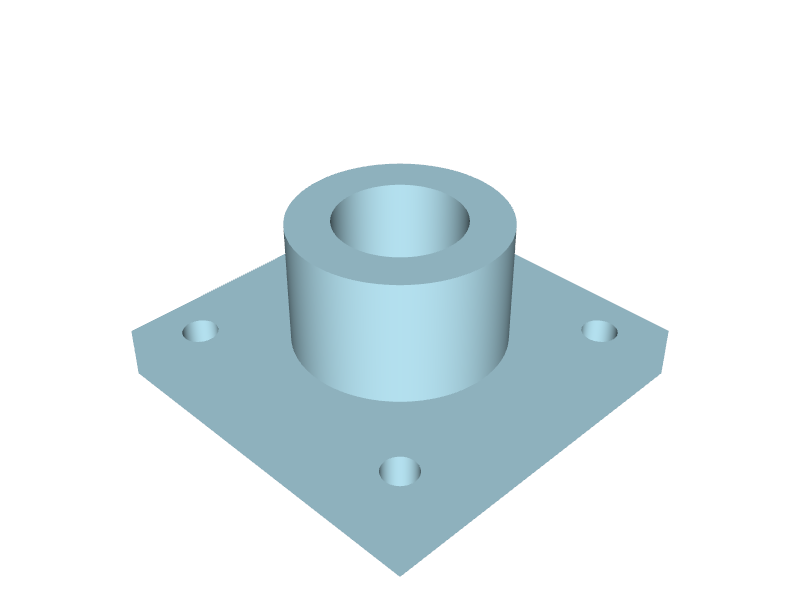
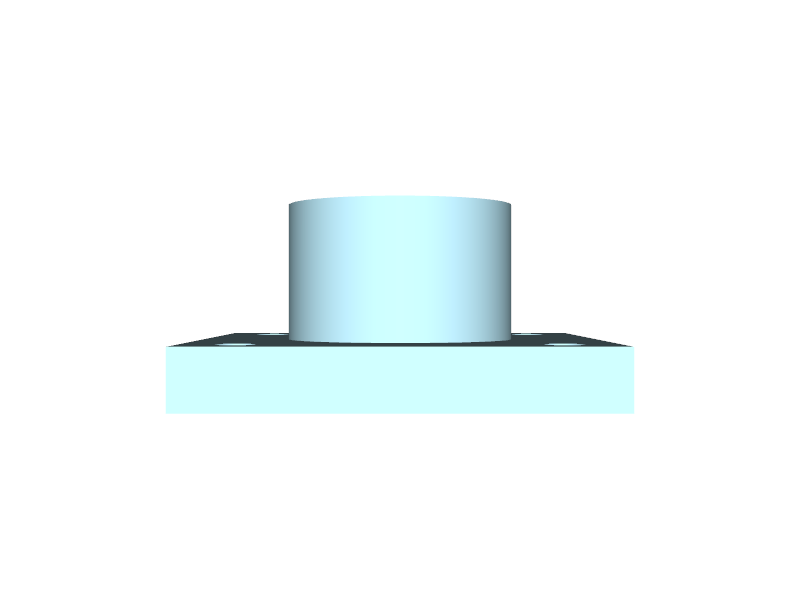 Front
Front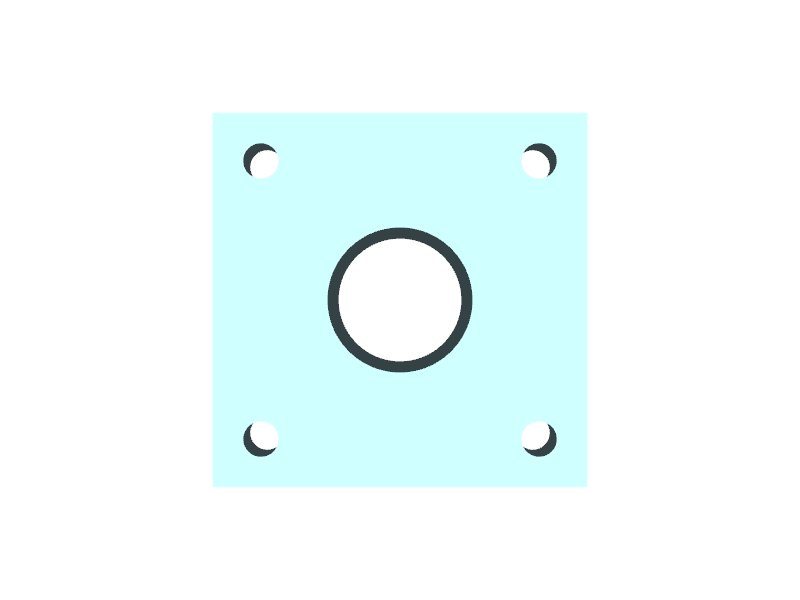 Top
Top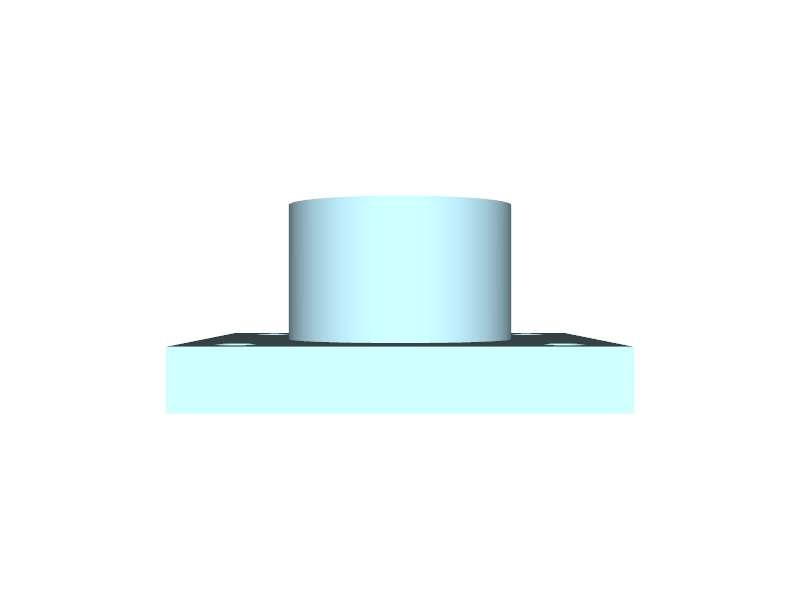 Right
Right
| Original model | Made from the drawing | |
|---|---|---|
| Part volume | 62,409.6 mm³ | 62,409.6 mm³ |
| Size | 70 × 70 × 34 mm | 70 × 70 × 34 mm |
| Faces | 13 | 13 |
Three examples to try
Pick a part. Follow a dimension.
A housing, a plate and a bushing, each drawn by the same engine that draws your models. Choose one, select a dimension on the sheet and see the faces it measures in 3D.
Loading example…
Flanged housing. A square mounting flange, a central bore and four bolt holes. Follow the grouped hole callout back to all four holes.
Now try your own part
Upload a STEP file and get the same kind of drawing in about a minute. Your first 15 drawings are free.
The examples are our own parametric solids, not supplier CAD. Their STEP files and drawings are free to download.
Pricing
One balance of credits. Both tools.
Your first 3D model and 5 drawings are on us; downloads open with your first purchase, from €1.99.
New accounts get 1,500 credits: 15 drawings, on us. Credits never expire, and there is no subscription. If a drawing or a model cannot be made, it is not charged, and reading a model is always free.
- On sign-upFree15 drawings
1,500 credits - First purchase€0.20per drawing
€1.99 per 3D model
1,000 credits for €1.99
Once per account - Starter€0.25per drawing
€2.50 per 3D model
2,000 credits for €5 - Batch€0.20per drawing
€2 per 3D model
10,000 credits for €20 - Series€0.15per drawing
€1.50 per 3D model
40,000 credits for €60 - Volume€0.10per drawing
€1 per 3D model
200,000 credits for €200
Questions
Before you upload.
Anything else: the contact details are on symge.nl.
How do I turn a 3D CAD model into a 2D technical drawing?
Export the model from any CAD system as a STEP file and upload it to CAD2Drawing. It chooses the views and sections, places the dimensions and hole callouts automatically and lays them out on a standard sheet with a title block; you check the drawing and download it as PDF, DXF or SVG.
Which files can I use?
CAD2Drawing reads STEP files (.step or .stp) of up to 30 MB, exported from any CAD system. A file with several bodies can be drawn as a whole, one body at a time, or as an assembly drawing with a drawing for each part made.
Which drawings can be made into a 3D model?
CAD2Drawing makes 3D models from engineering drawings uploaded as a PDF, PNG, JPEG or WEBP file of up to 20 MB, with up to four pages: an export from a CAD system or a scan of a paper drawing. Views, sections and details are read in first or third angle, in millimetres or inches.
Can I edit the drawing?
Yes. Every CAD2Drawing drawing can be downloaded as a DXF to edit in AutoCAD, DraftSight, LibreCAD or any other CAD tool, as an SVG for vector editors, and as a PDF ready to print and share.
Can I edit the 3D model?
Yes. A CAD2Drawing 3D model is an exact solid in a STEP file, which opens as an editable body in any CAD system, and comes with an STL for printing and viewing.
What does the engine recognise?
CAD2Drawing recognises holes, counterbores, countersinks, stepped bores, slots, chamfers, flats and modelled threads, among other features. Every dimension on the drawing is measured from the STEP model itself.
What does the AI modeller read on a drawing?
The CAD2Drawing AI modeller reads every view, section and detail, every dimension, hole callout and thread, and the general notes. It builds the part feature by feature and checks the solid view by view against the drawing before it is handed over.
Is the drawing ready for manufacture?
A CAD2Drawing drawing is a draft for you to check and finish. Dimensions the sheet could not carry remain listed. Add your tolerances, material and surface requirements, then have it approved as you would any drawing. It follows ISO or ASME conventions, but it is not certified as compliant.
How accurate is a 3D model made from a drawing?
A CAD2Drawing 3D model takes every printed dimension as written and is checked against the drawing’s views before it is handed over, but it is made by AI and is a draft: compare it with the drawing before you use it. Where a drawing leaves something open, the model’s report lists the reading chosen.
What does ISO or ASME change?
The standard chosen for a CAD2Drawing drawing, ISO or ASME, sets its projection, notation and sheet conventions; the measured dimensions stay the same. Tolerances and datums come only from PMI in the STEP file or from you.
What does a 3D model cost?
A CAD2Drawing 3D model costs 1,000 credits, from the same balance as drawings. The credits are taken only when the model is made: a model that cannot be made costs nothing. Your first 3D model and 5 drawings are on us; downloads open with your first purchase, from €1.99.
What happens to my files?
Uploads and drawings on CAD2Drawing are private to your account and kept for 7 days; you can delete them sooner from the workspace. They are never shared or used to train anything.
Your next part
Start from the file you have.
A STEP model or a drawing: sign in with Google or Microsoft, no card needed, and 1,500 credits to start.